


Description
Download Shorter Oxford English Dictionary – dictionary, word definitions, language learning, etymology, pronunciation, translation, vocabulary, reference tool
Overview
The Shorter Oxford English Dictionary is a digital adaptation of one of the most respected and widely used English dictionaries in academic and professional circles. Designed for language enthusiasts, students, writers, and educators, it serves as a comprehensive reference tool that delivers precise definitions, detailed etymologies, and contextual usage of thousands of words. The software provides instant access to linguistic information, making it ideal for daily language learning, research, and writing support. Its integration of pronunciation guidance and translation features enhances accessibility for non-native speakers and those with diverse linguistic needs. Developed by Oxford University Press, a globally recognized authority in academic publishing, the app inherits the credibility and rigor associated with its print predecessor. Real-world use cases include academic writing, language acquisition, proofreading, and quick vocabulary verification. The application is available at no cost, with optional in-app purchases to unlock enhanced functionality. The developer did not provide additional system requirements or performance benchmarks.
Key Features & Capabilities
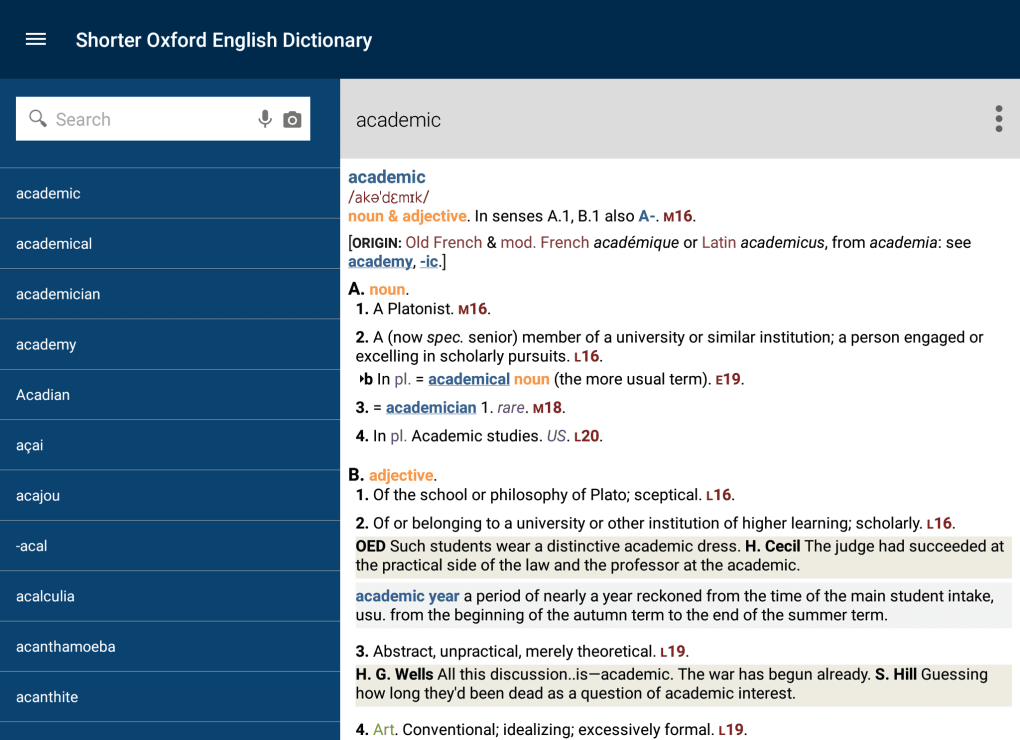
- Comprehensive Word Definitions – Offers accurate, contextually relevant definitions for a vast vocabulary, supporting users in understanding nuanced meanings across different domains.
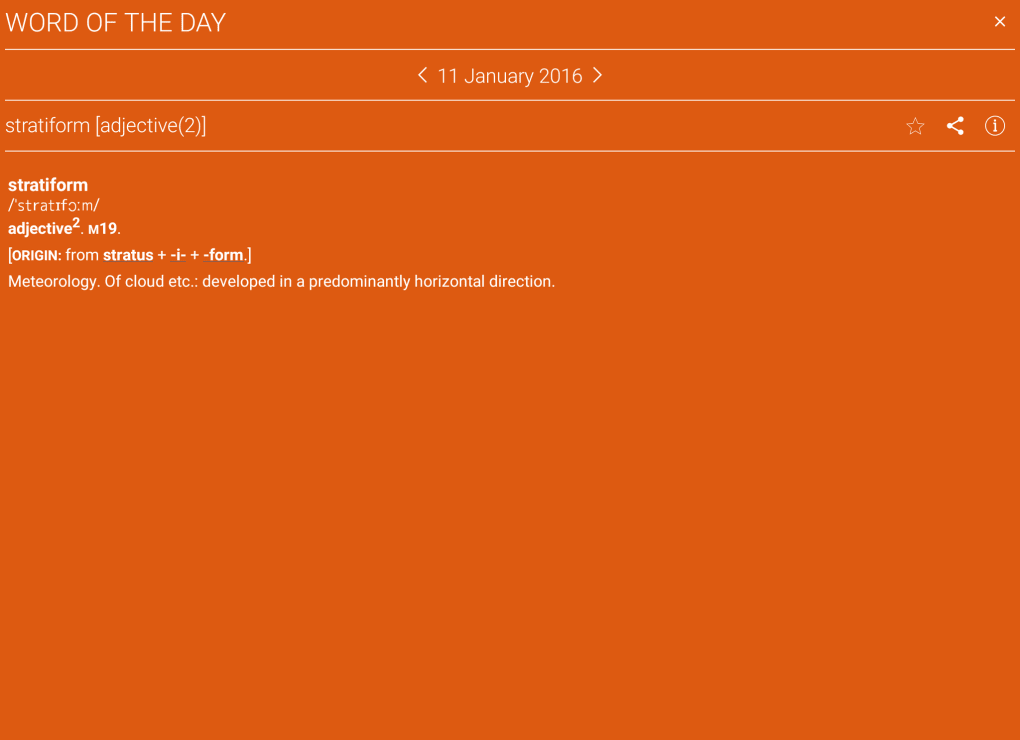
- Etymology Tracking – Provides insights into the historical origins of words, tracing roots across languages and time periods to enrich linguistic understanding.
- Pronunciation Guidance – Includes audio-based pronunciation tools to help users hear correct articulation, supporting language learners and public speakers.
- Speak and Translate Feature – Enables users to input spoken words or phrases for real-time translation, facilitating communication across language barriers.
- Offline Access – Allows users to access core dictionary content without an internet connection, ideal for study or travel scenarios.
These features support practical applications such as improving writing clarity, preparing for language exams, and expanding vocabulary in professional environments. The pronunciation and translation tools are particularly useful for learners navigating multilingual contexts. The developer did not specify whether the translation feature supports multiple languages or the extent of its accuracy. The application’s interface is designed to streamline access to these capabilities, ensuring efficient navigation between definitions, origins, and audio cues.
User Interface, Workflow & Performance
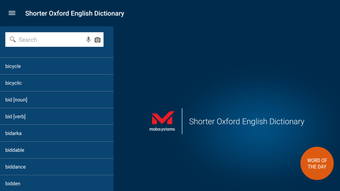
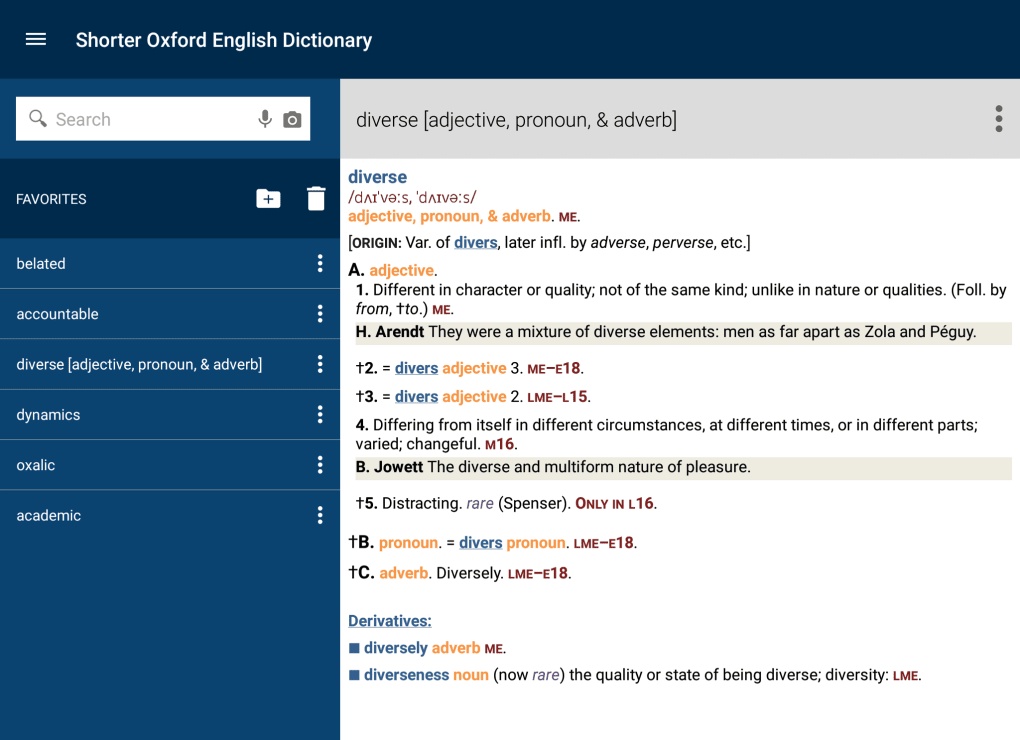
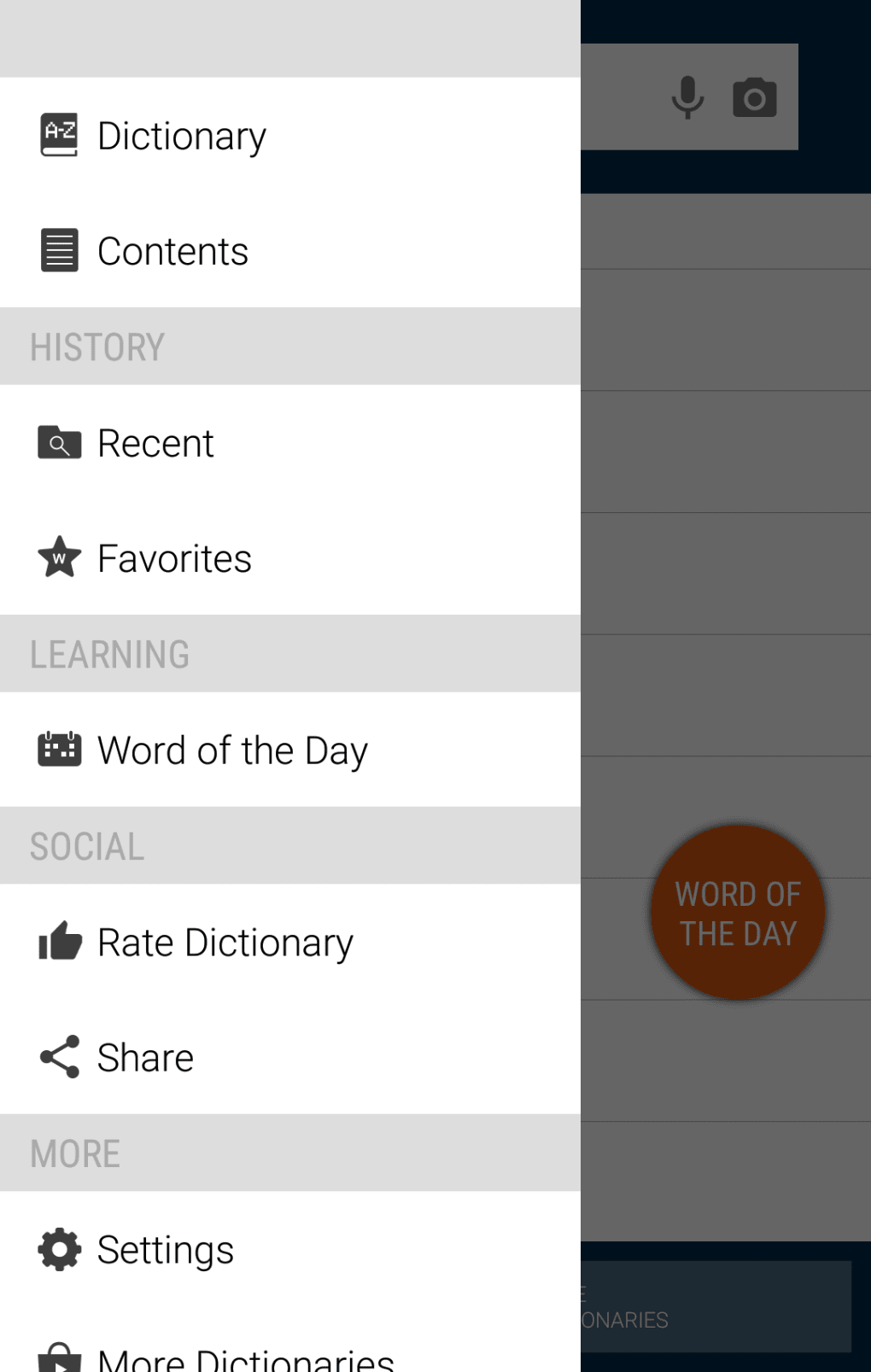
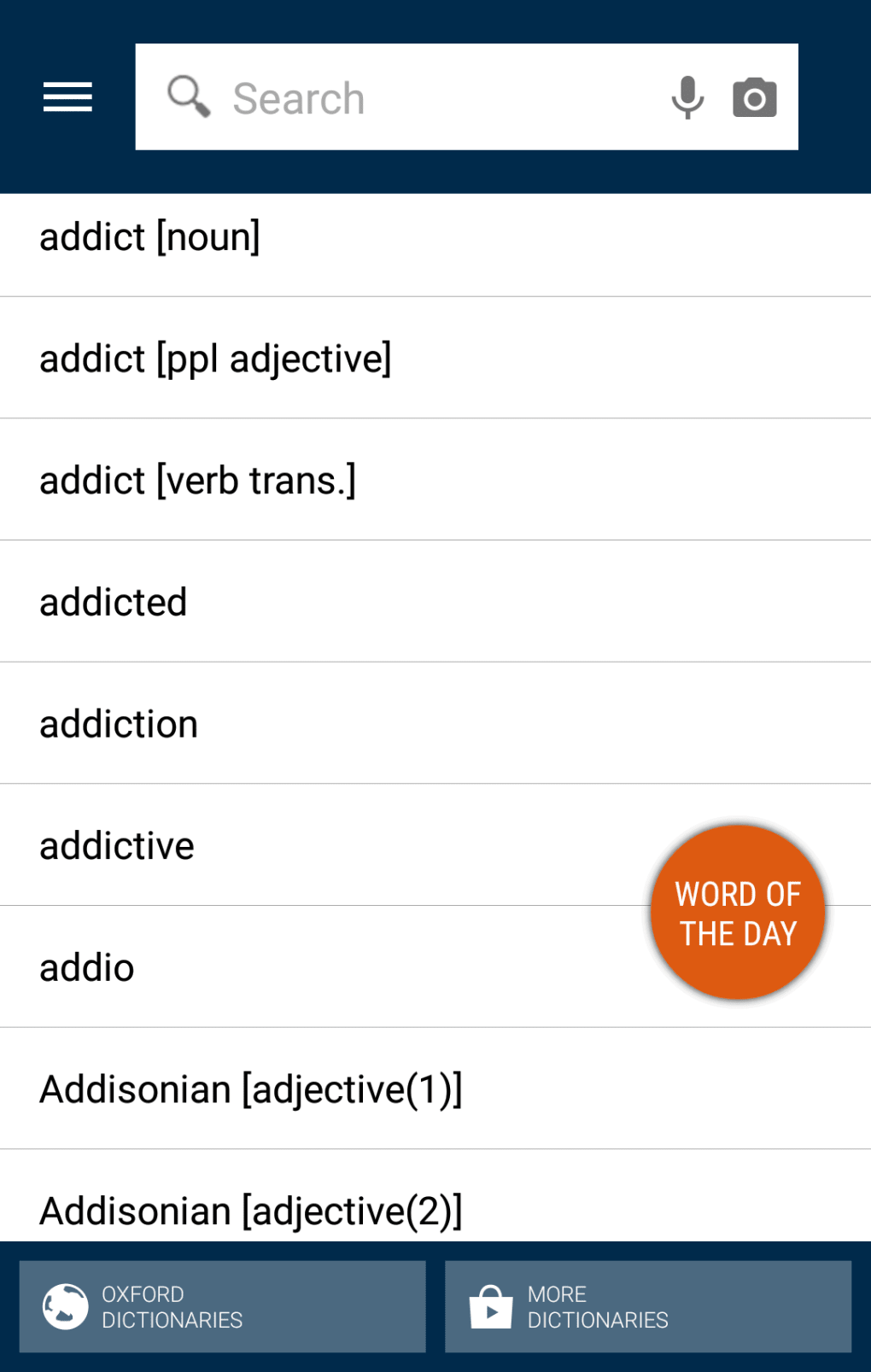
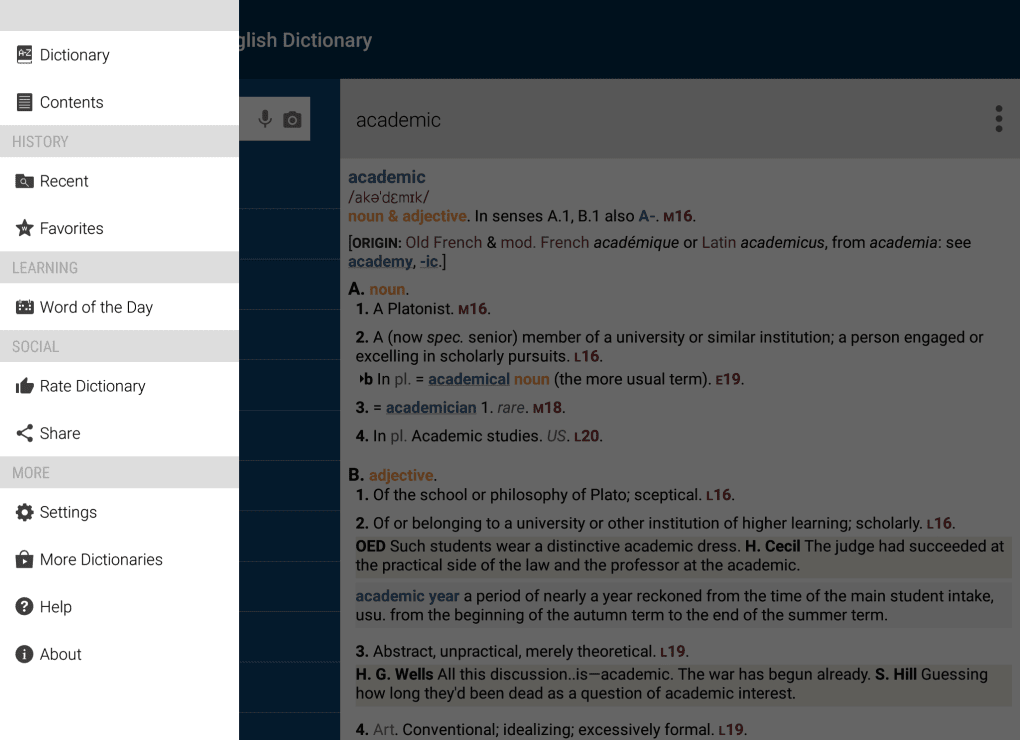
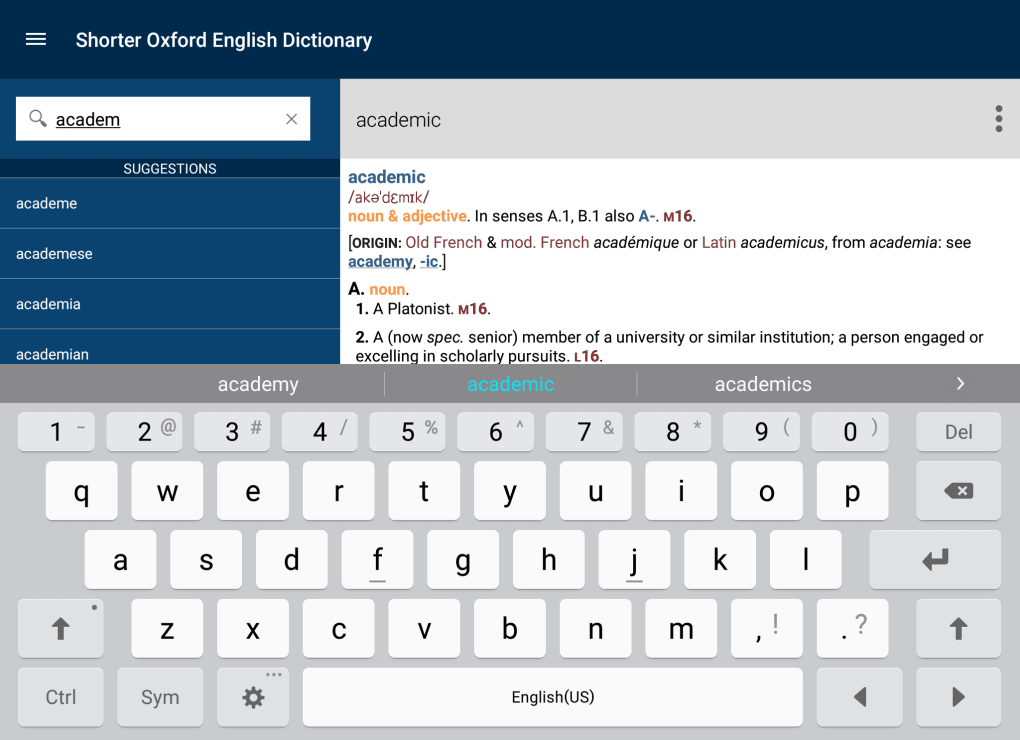
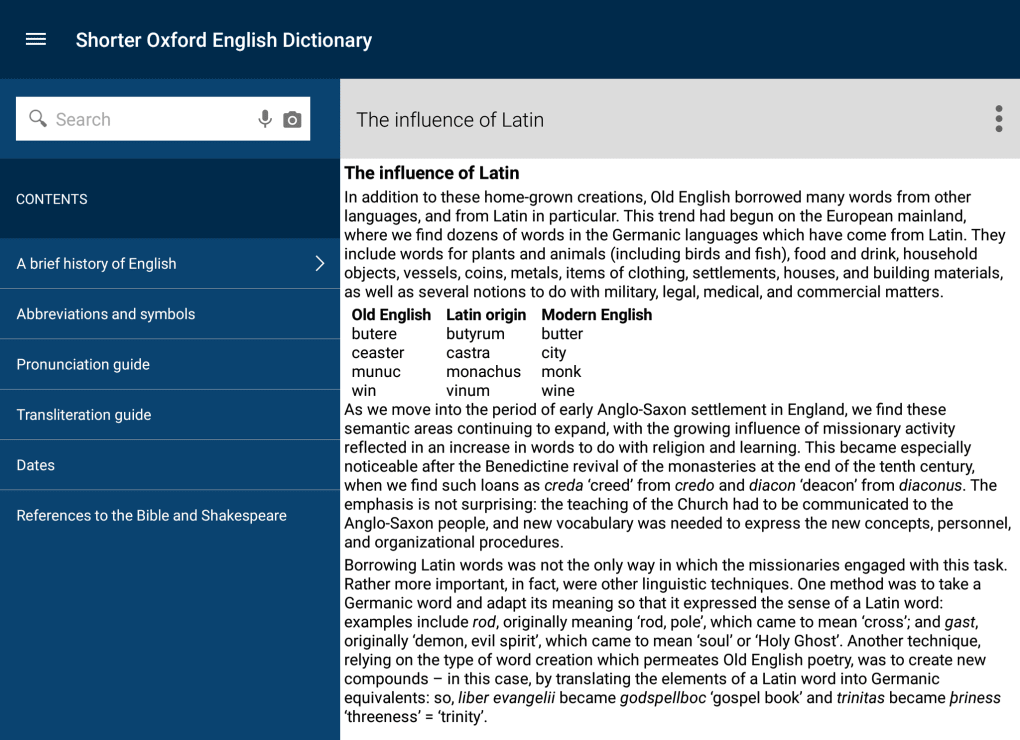
The user interface of the Shorter Oxford English Dictionary emphasizes clarity and functionality, with a clean layout that prioritizes readability and quick access to search results. Navigation is straightforward, allowing users to enter a word via keyboard input or voice command, with results displayed in a structured format. The workflow is optimized for speed, minimizing steps between search and retrieval of information. Users can save frequently looked-up words, access recent entries, and switch between definitions and etymological details with minimal effort. The application maintains consistent responsiveness during typical usage, though exact performance details were not specified. The developer did not provide information on CPU or RAM usage, nor did they share stability reports. General software behavior patterns suggest stable operation under standard conditions, but users are advised to monitor system performance during extended sessions. The application’s size of 256 MB indicates a moderate footprint, which may contribute to efficient loading times.
Compatibility & System Requirements
Shorter Oxford English Dictionary is compatible with both Windows and Mac operating systems, supporting users across major desktop platforms. The software version is 1.0.0, with an installation size of 256 MB. The developer did not specify exact system requirements, including minimum processor speed, RAM, or disk space beyond the installed file size. Compatibility information was partially provided, leaving users without definitive guidance on hardware capabilities. It is recommended that users ensure their systems meet general desktop application standards to avoid installation issues. The application may function on systems with limited resources, but performance under such conditions cannot be confirmed. No information was provided regarding updates or automatic sync features.
Pros and Cons
Pros
- Trusted source: Developed by Oxford University Press, a leading authority in language and reference publishing.
- Rich linguistic content: Includes etymology, pronunciation, and contextual definitions for extensive vocabulary.
- Free to download and use: Accessible to a broad audience without upfront cost.
- Offline functionality: Core features remain available without internet connectivity.
- Supports language learning: Ideal for students, writers, and non-native speakers seeking accurate linguistic data.
Cons
- In-app purchases required for full feature access: Additional tools may be restricted behind paywalls.
- Pronunciation feature may be inconsistent for users with non-standard accents.
- Limited system requirement details: Users lack clear guidance on hardware compatibility.
- No official update frequency information: Users may not know when new content or fixes are released.
- Translation feature limitations not disclosed: Accuracy and supported languages are unknown.
FAQ Section
Is the Shorter Oxford English Dictionary available for free?
Yes, the software is available at no cost. However, it includes in-app purchases to unlock additional features and content.
Can I use the dictionary offline?
Yes, the application supports offline access to core dictionary functions, allowing users to look up words without an internet connection.
What operating systems does it support?
Shorter Oxford English Dictionary is compatible with Windows and Mac operating systems.
Is the pronunciation feature accurate for all accents?
The speak and translate feature may have limitations when processing non-standard or thick accents, which could affect recognition accuracy.
Are updates included in the free version?
Information about update frequency or availability was not provided by the developer.
Final Thoughts
The Shorter Oxford English Dictionary stands out as a reliable, feature-rich reference tool for anyone serious about language mastery. With its authoritative content, intuitive interface, and support for both learning and professional use, it delivers strong value—especially given its free access. While the inclusion of in-app purchases may limit full functionality for some users, the core features remain robust and highly useful. The application’s design prioritizes usability and efficiency, making it a practical choice for students, educators, writers, and language learners. Despite limited transparency around system requirements and update schedules, its compatibility with major desktop platforms ensures broad accessibility. For those seeking a trustworthy, comprehensive dictionary with modern enhancements, this software is a top-tier option. Download Shorter Oxford English Dictionary now.
Guides & Tutorials for Shorter Oxford English Dictionary
How to install Shorter Oxford English Dictionary
- Click the Preview / Download button above.
- Once redirected, accept the terms and click Install.
- Wait for the Shorter Oxford English Dictionary download to finish on your device.
How to use Shorter Oxford English Dictionary
This software is primarily used for its core features described above. Open the app after installation to explore its capabilities.
User Reviews for Shorter Oxford English Dictionary 0
No reviews found





